External files in the media library
WordPress plugin
free of chargemedia library
Add one or more files, including their URLs, under „Media → Add New Media File.“ This allows you to use external files anywhere the media library is available.
GitHub repository: https://github.com/threadi/external-files-in-media-library

Articles
Is there a size limit for files in the media library?
WordPress itself does not impose any size restrictions on files in the media library. Read here to find out what limits do exist and how you can get around them. Read more
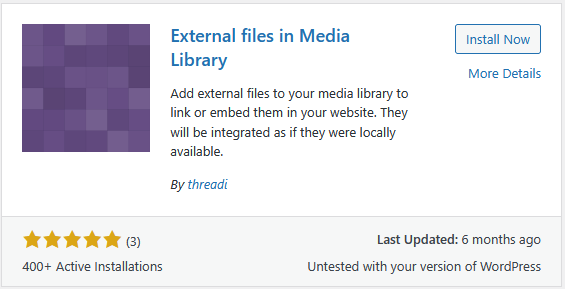
Installation of „External files in the media library“
The ways to install the „External files in the media library“ plugin are described here. Read more
I can't upload ZIP files!
Uploading ZIP files is disabled by default in the „External files in the media library“ plugin. However, you can change this as follows: Read more
Can I use the plugin to bypass my hosting's upload size limit?
Yes, absolutely. With the „External Files in the Media Library“ plugin, you store files on an external host rather than locally. This means that the limits on your hosting do not apply. Read more
Unpacking files in the media library
The plugin offers several ways to open ZIP files, both individually and completely. Read more
Unzip ZIP files in media library
The plugin „External Files in the Media Library“ also allows ZIP files to be unpacked into the media library. The files from the ZIP file are inserted into the media library as normal files. Read more
How can I retrieve a single file from an UpdraftPlus backup?
This is also possible with the „External Files in the Media Library“ plugin. To do this, follow these steps: FAQ I can't see any ZIP files! Why? You first need to activate ZIP files in the plugin settings. Will the file overwrite the existing file when unzipped? No, this will never happen because the plugin does not allow it. Read more