
In your WordPress backend
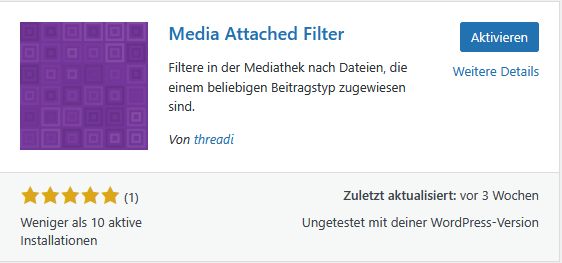
- Go to Plugins > Add plugin.
- Search there for „Media Attached Filter“.
- Click on „Install“ for the plugin and then on „Activate.
Install manually
- Go to the official plugin website and click on „Download“.
- In your WordPress backend, go to Plugins > Add plugin and click on the „Add plugin“ button.
- In the file dialog, select the file you downloaded in step 1 and upload it.
- Then activate the plugin.
Per FTPFTP File Transfer Protocol Install
- Go to the official plugin website and click on „Download“.
- Then upload the ZIP file via FTP to the directory „/wp-content/plugins/“.
- Activate the plugin via the „Plugins“ menu in WordPress.
Leave a Reply